

For the latest information on the Cortico plug-in, visit the Cortico plug-in website here.
The Cortico Plug-in automates tedious tasks in Oscar and other web based EMRs.
Securely message patients directly in the EMR
Send files securely
Automate eligibility checking and preferred pharmacy setting
Join video calls, view patient forms, etc.
Installation:

OR

Here is the plug-in download link for Firefox or Chrome.
The cortico plug-in is available as a free version, and paid version.
If you are using a different browser, you must install and update either Google Chrome or Firefox browser first.
Note: The Cortico Browser Plug-In is free and open source software which may be used with or without the main Cortico product. It comes with no warranty.
Installation Instructions:
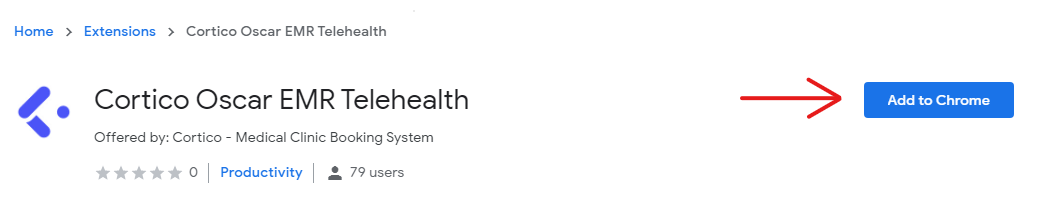
For Chrome - Click here to download the Chrome extension. Chrome will ask you to install it so click "Add to Chrome", and you're off to the races.
For Firefox - Click here to view the download instructions
Once you've installed the plug-in, check out this guide on how to complete the set-up.
What can you do with the Cortico Oscar Plug-In?
A video on how to use Canned Response from Cortico user John Robertson.