

Cortico Web Release:
1. Updates to Appointment Booking
1.1 - Time selection buttons in the calendar step are now disabled after a patient clicks "Continue" and the page is loading, preventing accidental double-selection.
2. Updates to video appointments
2.1 - Improved the reliability of joining video calls (addressing cases where the patient and doctor sometimes couldn't see each other).
2.2 - Improved workflow event tracking and logging when patients leave a video call.
2.3 - The waiting room message popup now persists until the patient dismisses it.
3. Updates to the patient portal
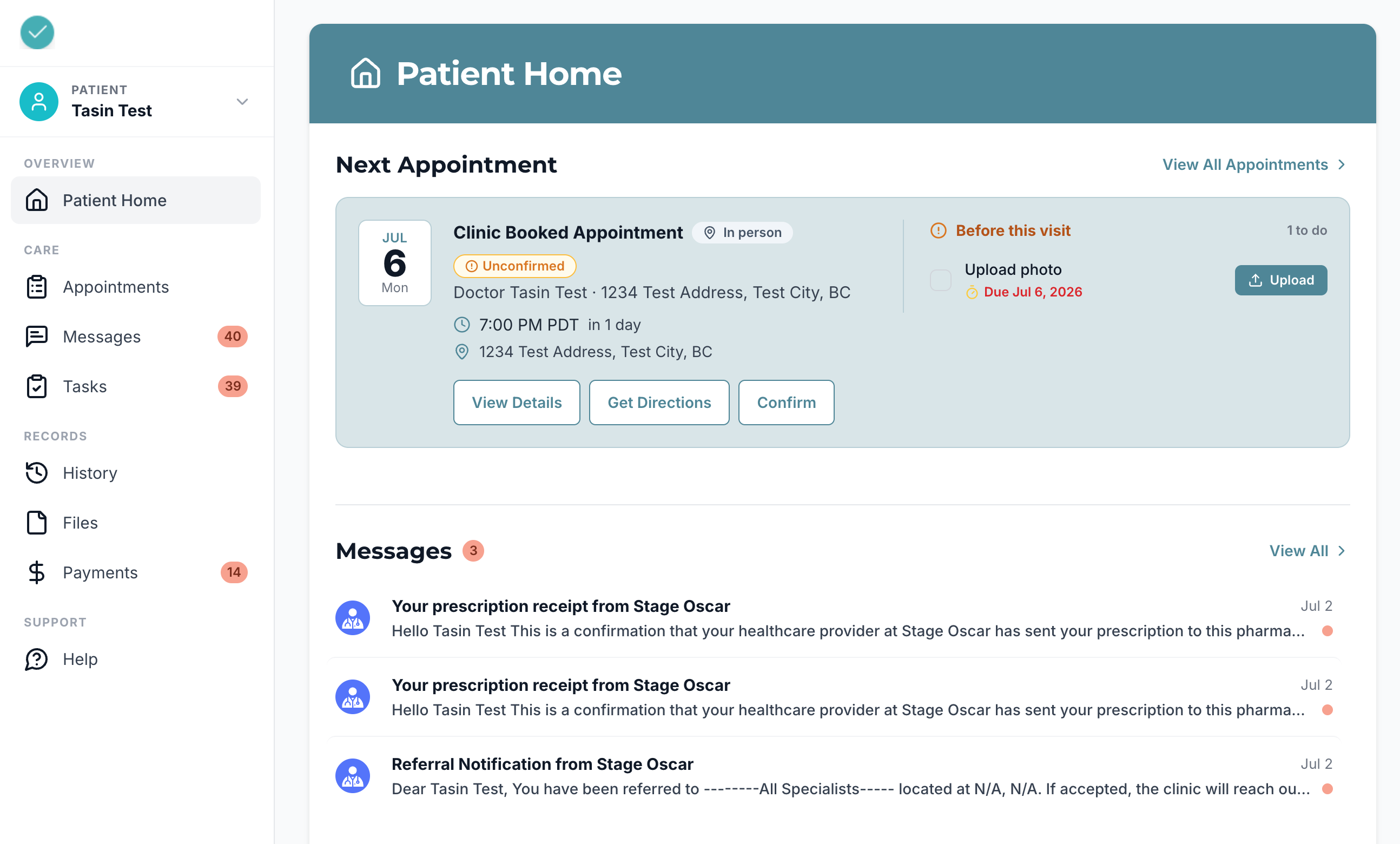
3.1 - Design update to the patient portal sidebar navigation.
3.2 - Design update to the patient portal homepage.
4. Updates to patient forms
4.1 - Relative URLs in custom text fields (questions or policies) are now converted to include the clinic hostname, so links in form confirmation emails render correctly in Yahoo and Outlook.
5. Updates to Request to Book
5.1 - Fixed an issue where creating a Request to Book with "Any Provider" and a custom booking range allowed patients to select dates outside the specified range.
6. Updates to EMR integrations
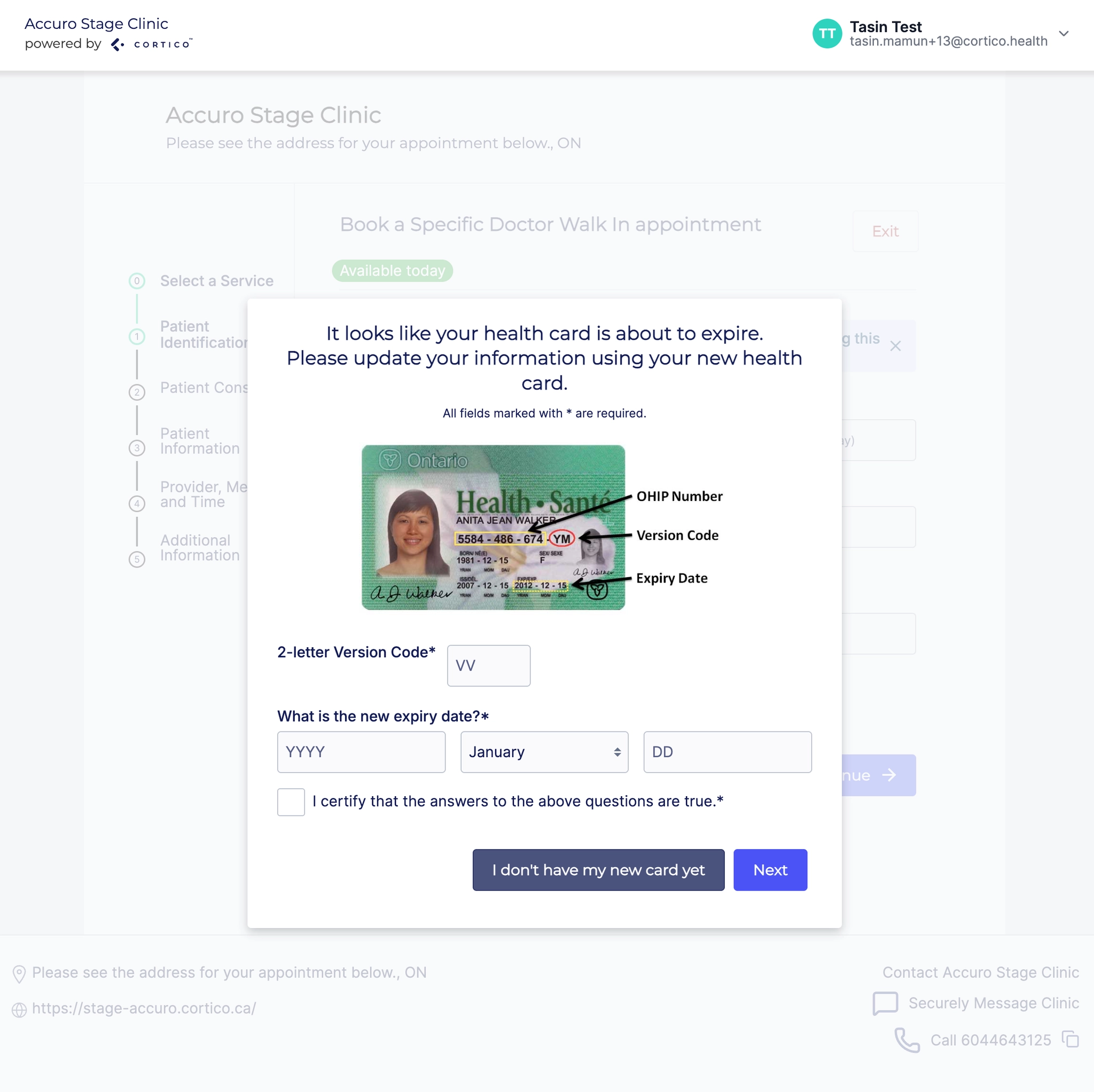
6.1 - [Accuro][Ontario] Removed the "Health Card Effective Date" field for Ontario patients, since it is not currently saved in the EMR.
6.2 - [Accuro] Added a configuration option to read and set OfficeID in Accuro from the Cortico Location instead of the Cortico Provider.
6.3 - [Practice Fusion] Improvements to logging.
7. Updates to payments
7.1 - Fixed provider name search on the payments table view.
8. Other updates
8.1 - Fixed an issue where the homepage location sort order was incorrect.
8.2 - Fixed a set of common patient error paths.
8.3 - [DevOps] Updated the build process for Tailwind in front-end components.
8.4 - [DevOps] Updates to the build pipeline for Docker images.
Cortico Plug-in:
1. Messaging
1.1 - Internal refactor to extract the Conversation Thread shell into a shared package, so the plug-in and web share one presentational message-list surface (no user-visible change).
1.2 - The web app now uses the shared Conversation Thread shell from the messenger package (no user-visible change).
1.3 - Internal refactor to extract the Message Composer shell into a shared package, so the plug-in and web share one presentational composer surface (no user-visible change).
1.4 - The web app now uses the shared Message Composer shell from the messenger package (no user-visible change).
1.5 - Internal refactor to extract the Create Conversation / Recipient Search surface into a shared package, so the plug-in and web share one presentational recipient bar (no user-visible change).
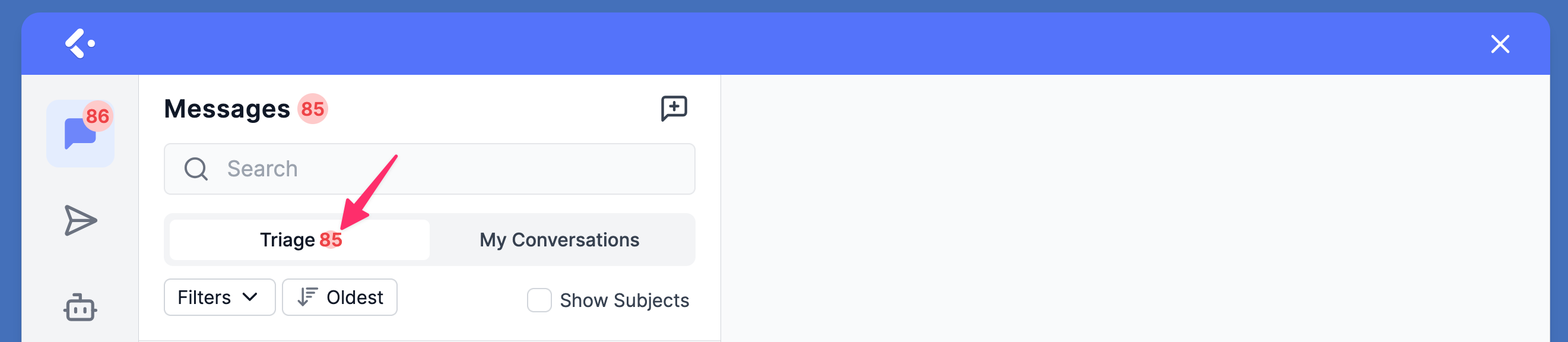
1.6 - A red dot indicator now appears on the "My Conversations" and "Triage" tabs so clinic users can see at a glance where new messages are waiting.
1.7 - Providers and MOAs can now attach files directly from the patient e-chart when sending a provider message, without leaving the messaging workflow.
1.8 - The web app now uses the shared Conversations List shell from the messenger package (no user-visible change).
2. Cortico AI
2.1 - Age and gender fields for AI inbox items now load all at once when the inbox is reopened, so MOAs see complete item information immediately.
3. Appointment Actions
3.1 - [MedAccess] Added an appointment confirmation trigger for manually booked appointments.
4. Annotate & Fax
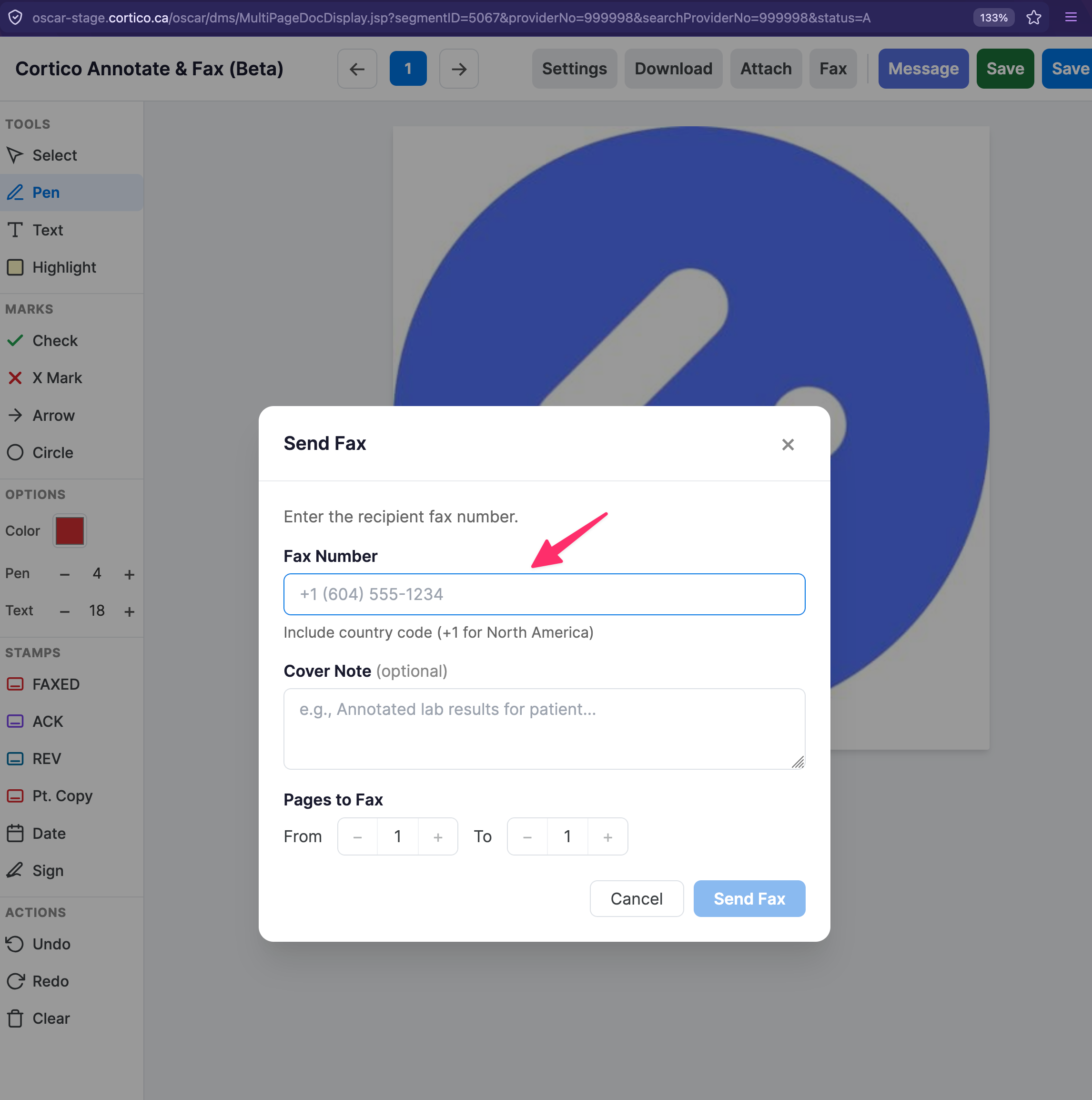
4.1 - The patient's preferred pharmacy number is now automatically included in the Annotator's fax dialog, removing the need to copy and paste it.
4.2 - Internal refactor to modularize the Annotator code for maintainability (no user-visible change).
5. Plug-in Integration
5.1 - Fixed an issue where "Attach eDoc" was endlessly loading on Oscar19.
5.2 - [MedAccess] Added support for the Copy to Encounter feature.
6. Referral Receipt
6.1 - Specialist referral receipts can now auto-send, so providers no longer have to manually click send on each consultation.