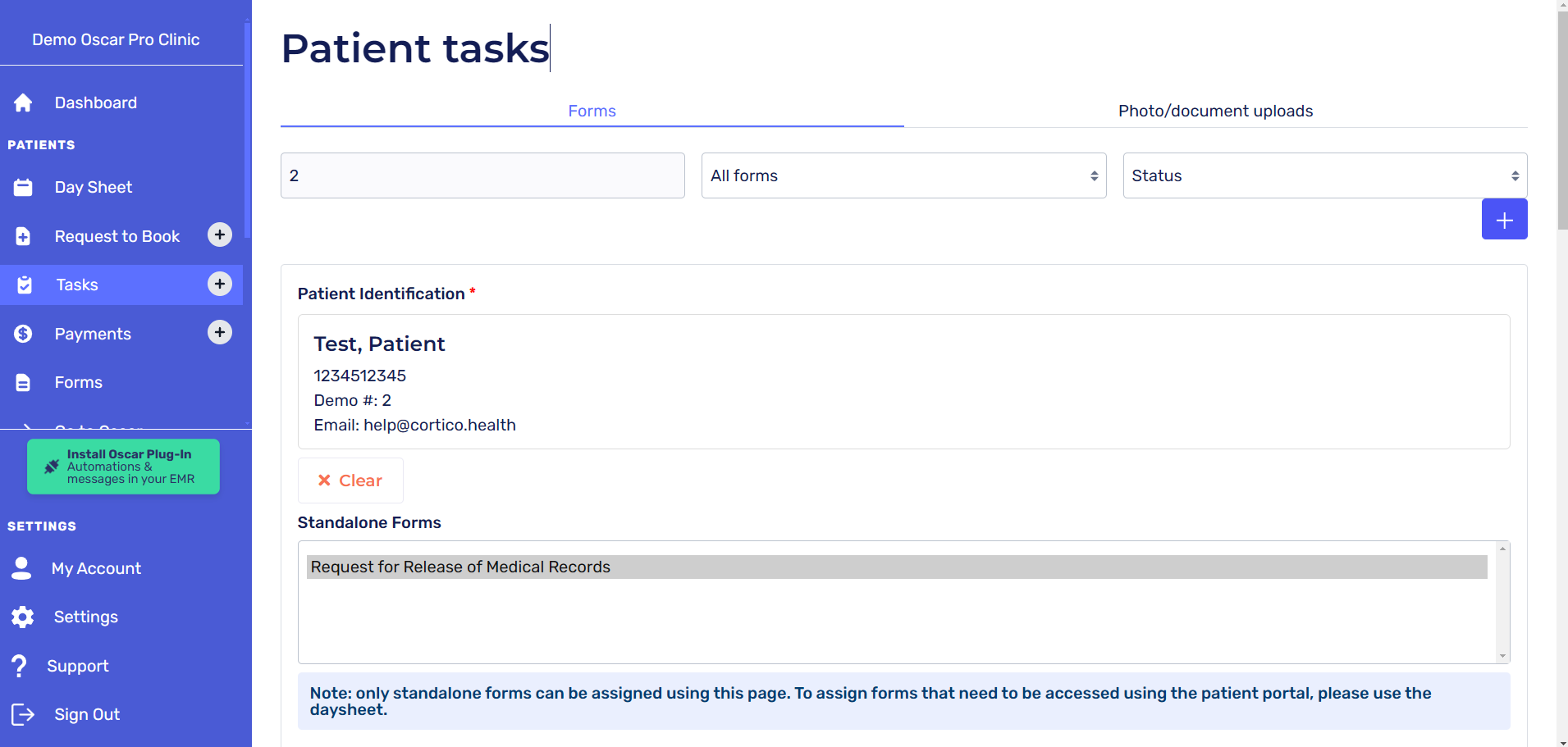
In the forms tab, you can request which standalone form you would like the patient to complete, at which point they will receive an email notification prompting them to fill it out.
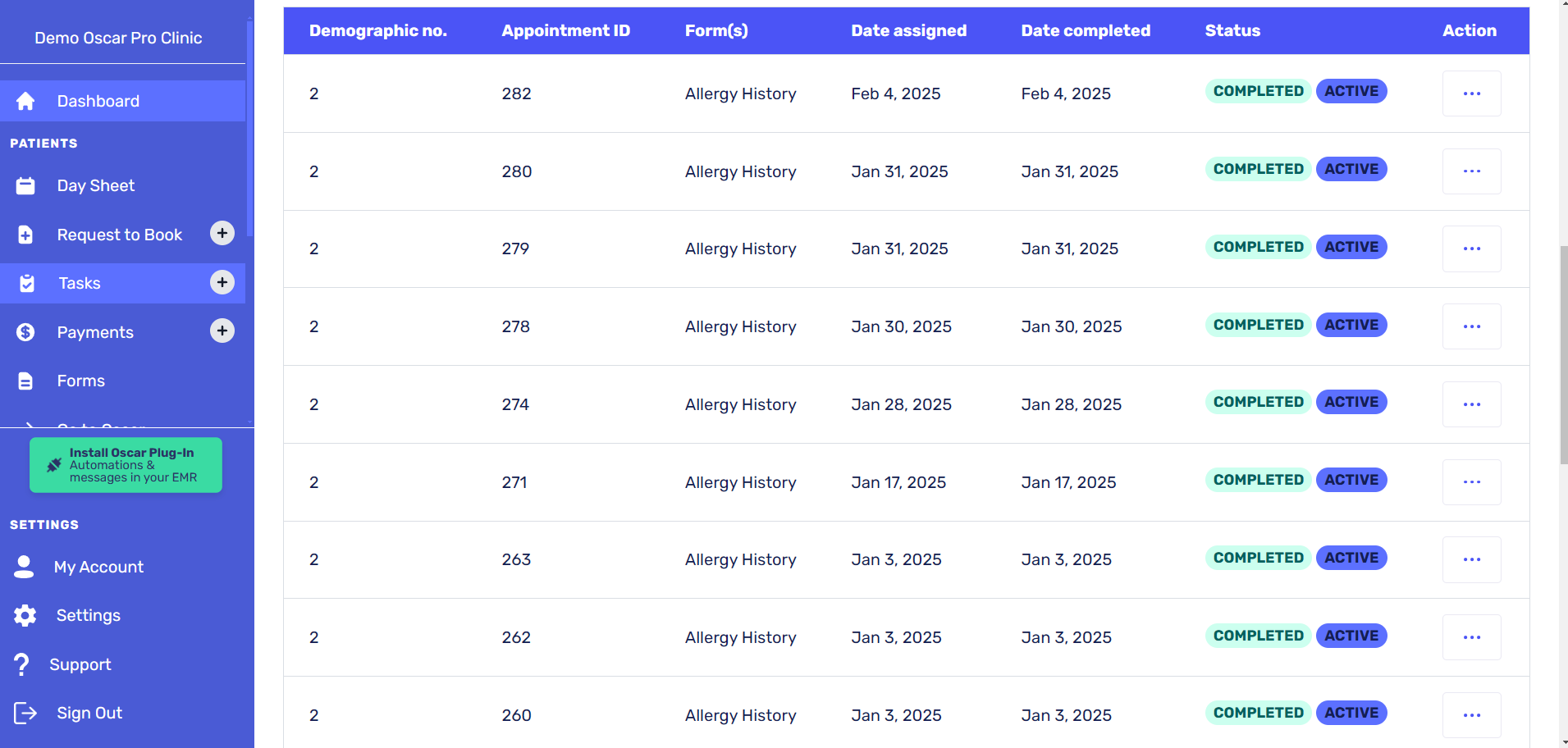
Shown below is a history of what forms the patient has previously completed.
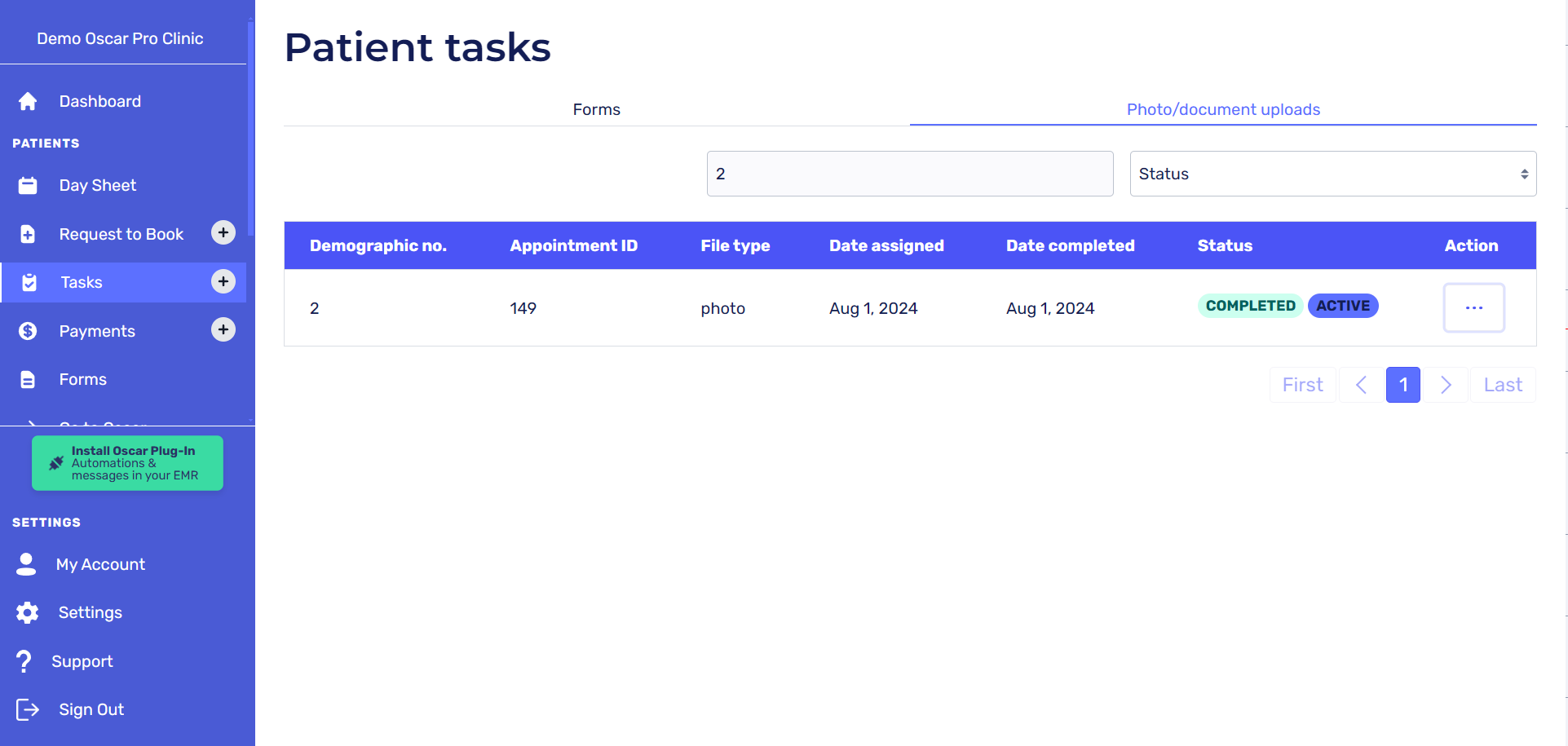
On the photos/document uploads tab, you can review which files the patient has successfully returned into the EMR.
Actions
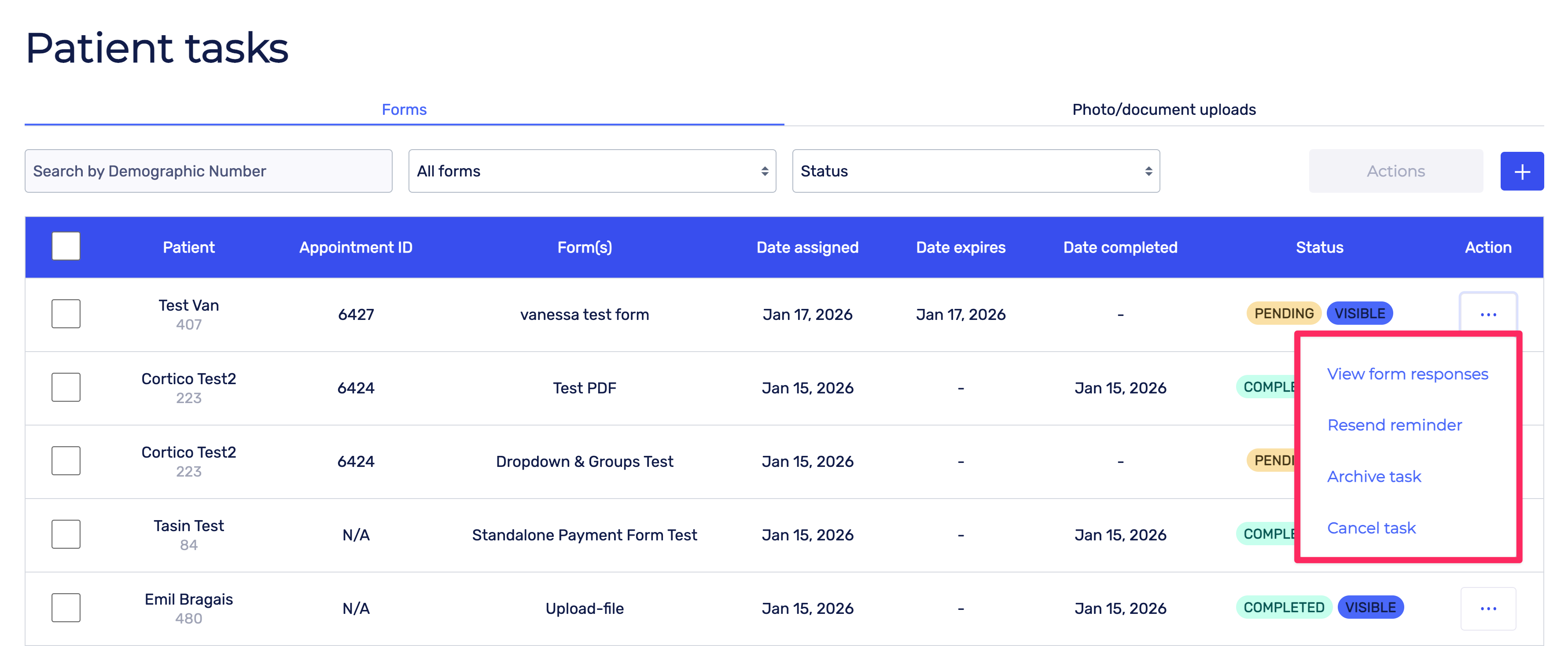
Clicking the Action button next to a task under the Forms tab will open a menu of options for that task.
View form responses: allows you to view the patient’s responses to the form
Resend reminder: sends another email reminder to the patient to complete the form
Archive task: archives the task and removes it from the default view
Cancel task: Cancels the task so that it is no longer assigned to the patient
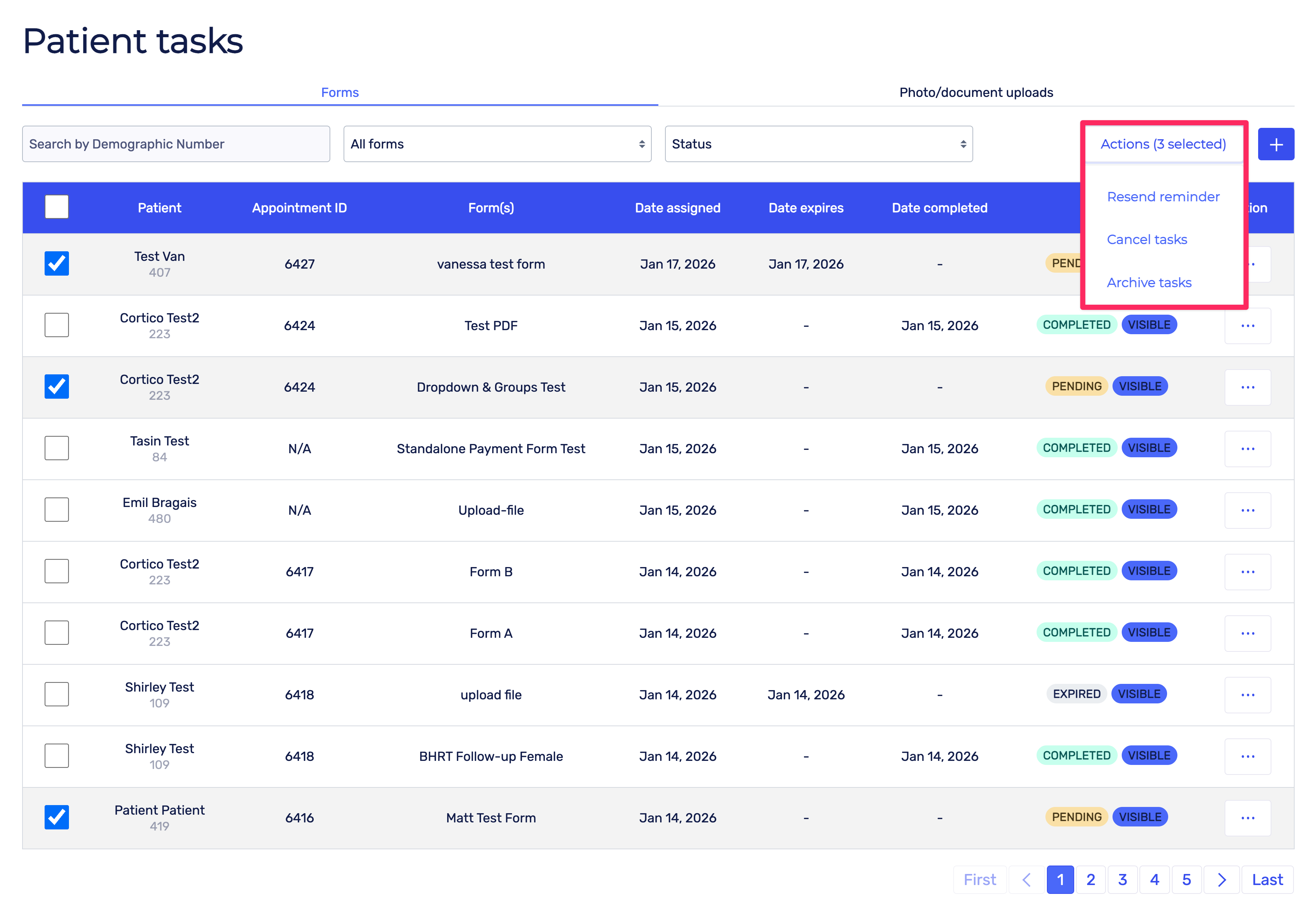
Mass Actions
If you select multiple tasks using the checkboxes, you can perform actions on all of them, such as Resending reminders or canceling a task (for pending tasks), or archiving the tasks.