

Here is how to edit the billing status of Doctors in Cortico that have had their hours changed or have been recently deactivated:
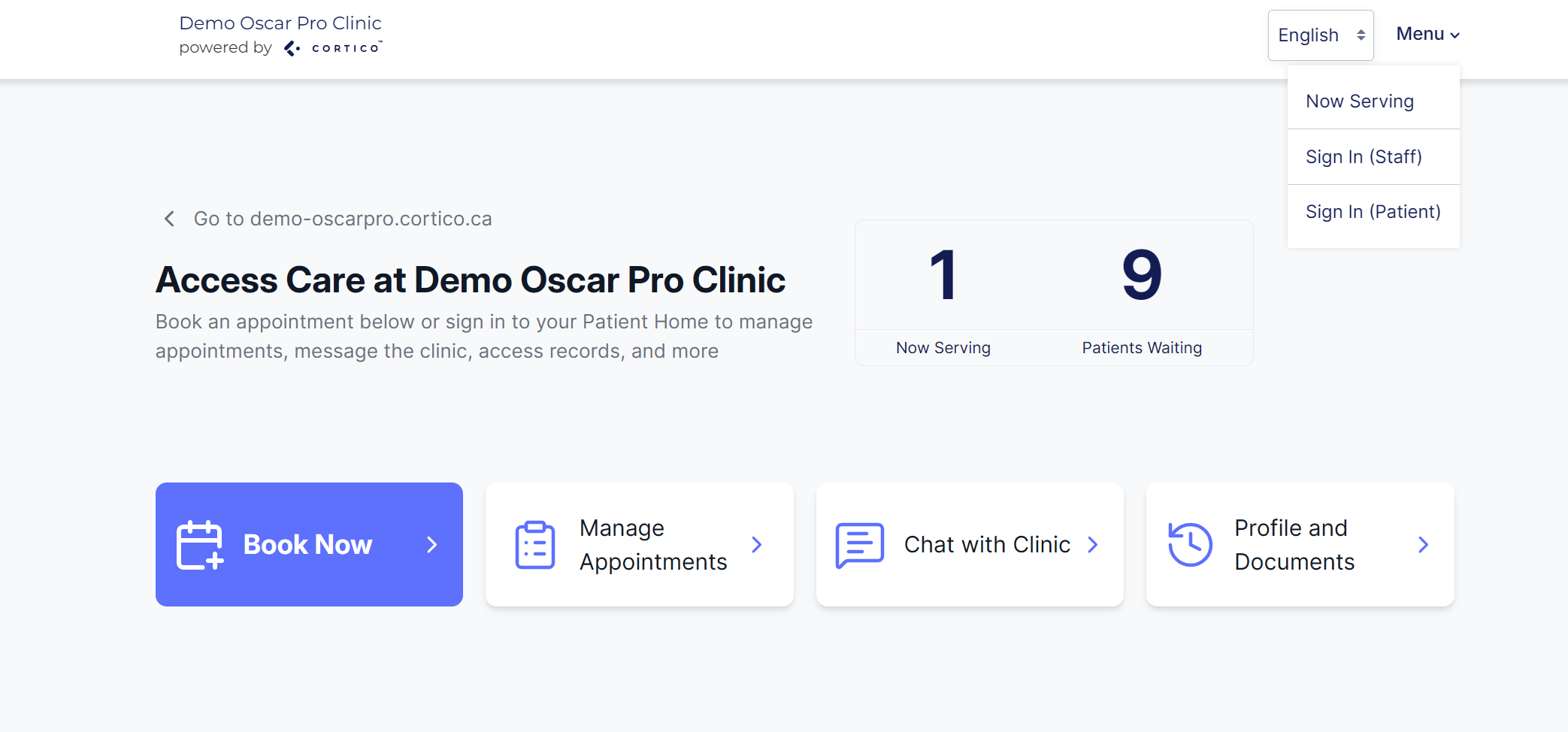
Login on your clinic's Cortico Website (e.g. demo.cortico.ca) using the menu in the top-right.
Navigate to the Settings > Staff Page
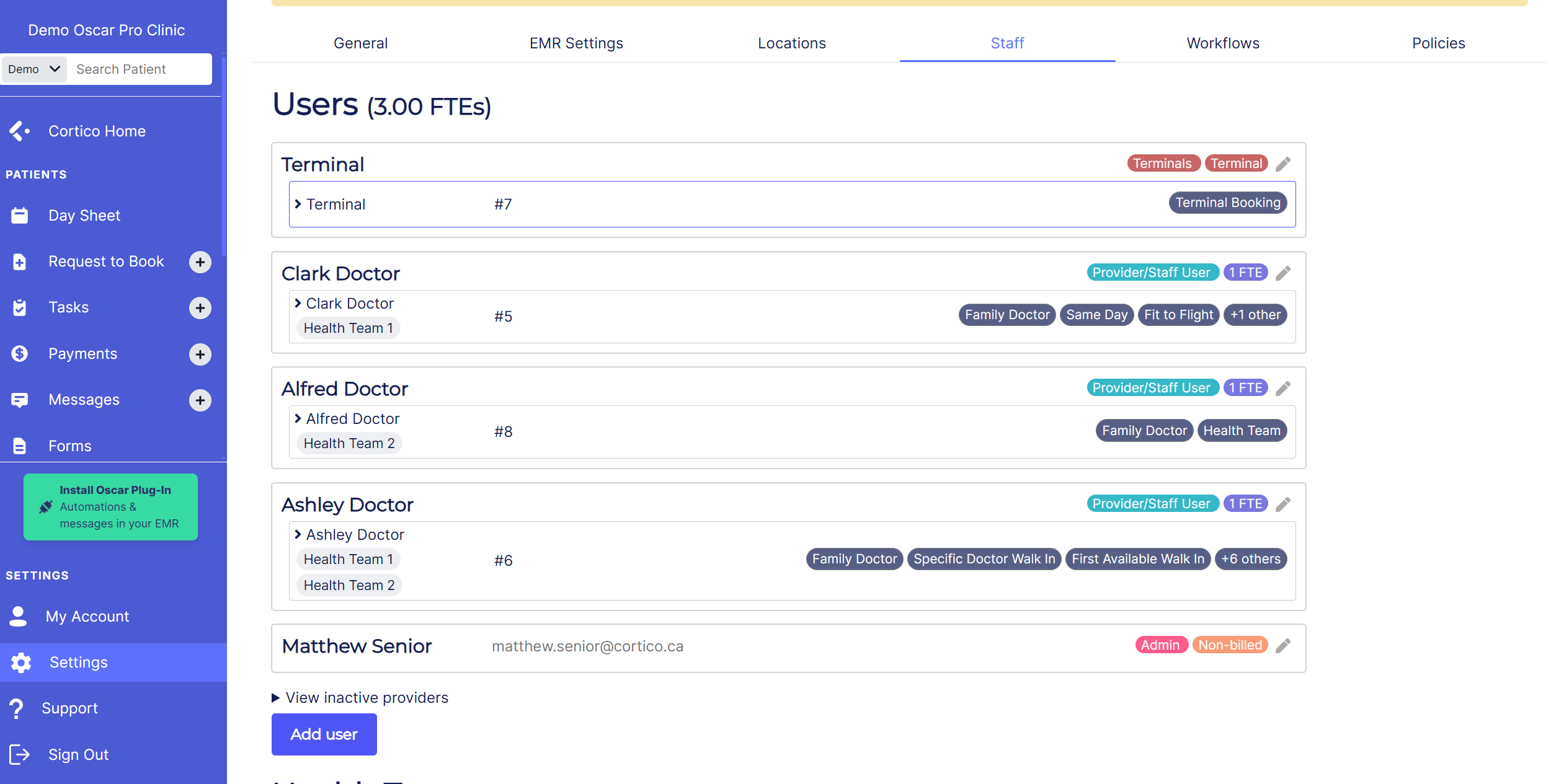
Click the Pencil Beside any Provider you would like to Edit
Change the billing status to reflect their new hours, or set to inactive if they no longer use Cortico
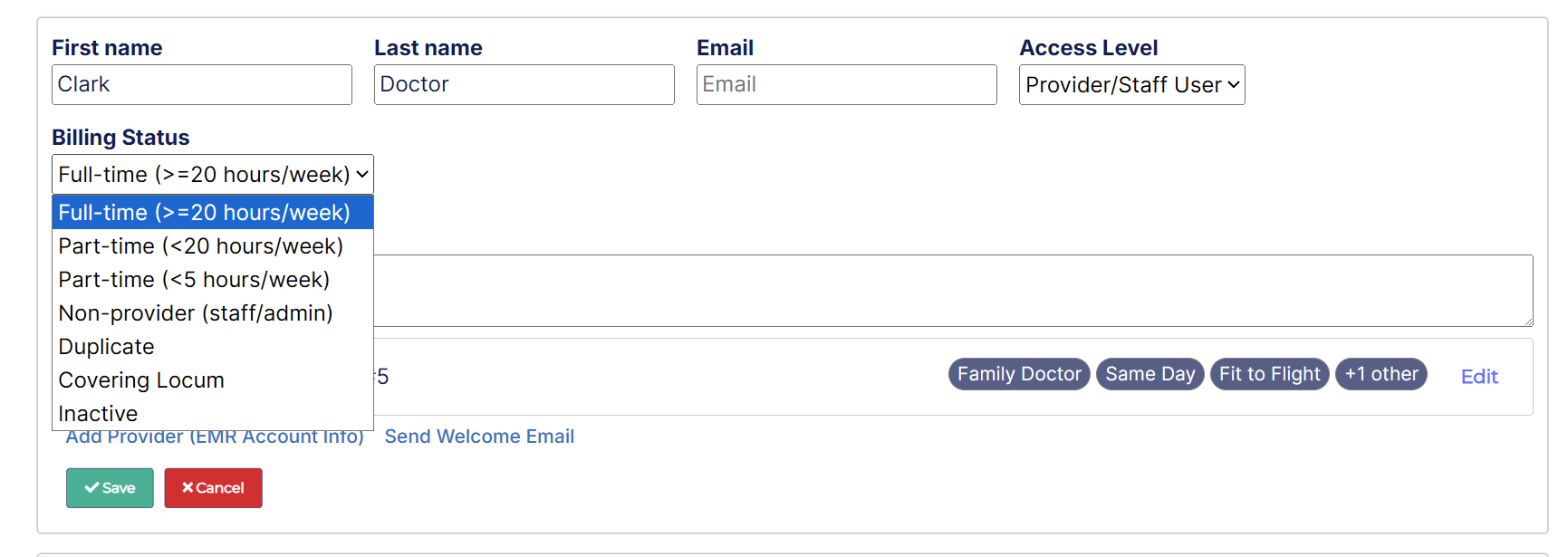
We have alternative options for:
Non-Provider (for staff and admin members not using booking/reminders)
Covering Locum (for Locums exclusively covering other doctors' panels)